PRODUCT IMAGES

One photo, a full Amazon set

Main plus six in Amazon order. Only the background changes, never your product.

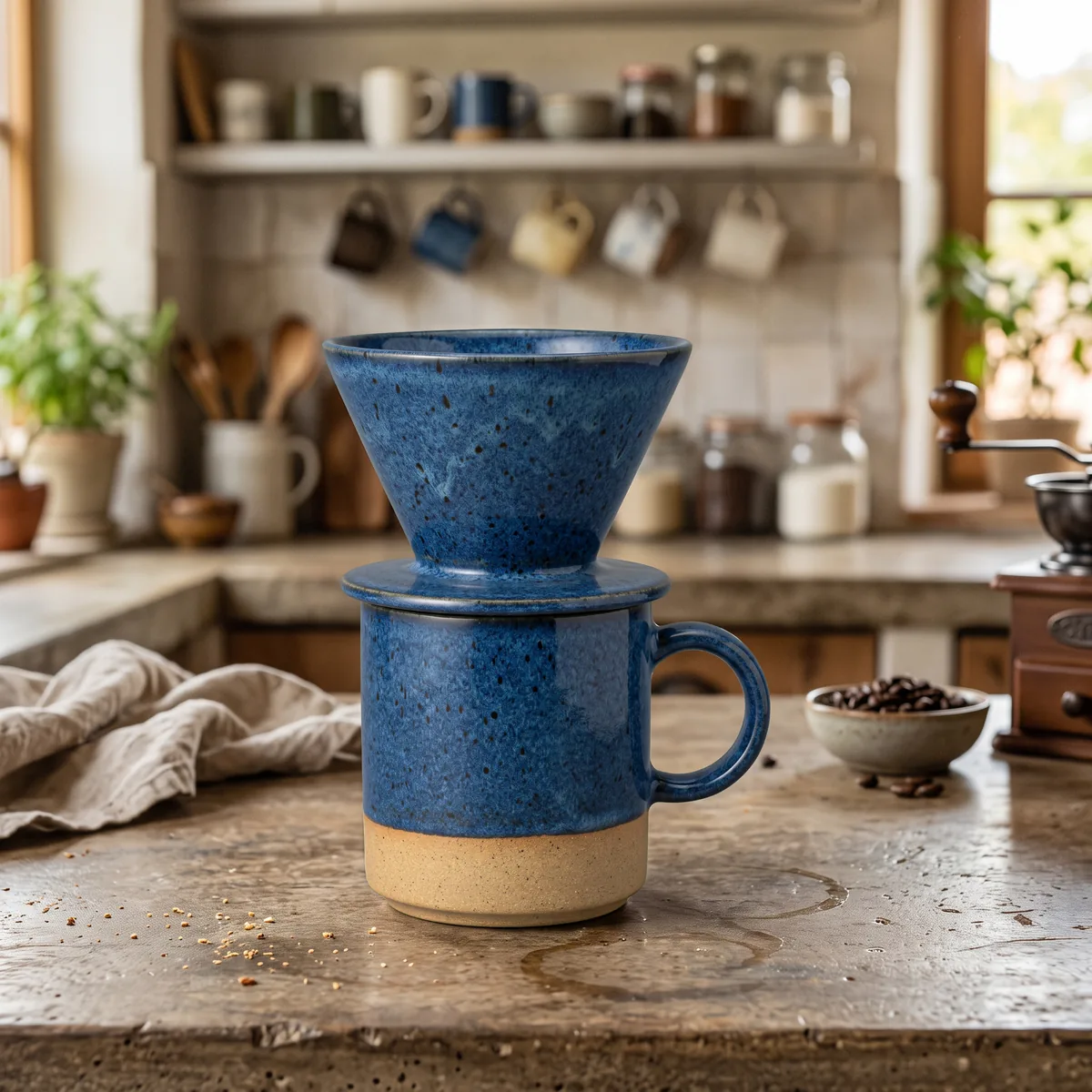
The mug on a stone counter by a soft-lit wallPixel difference · black = unchangedScene 2 · AI backgroundThe mug and dripper photo on plain whiteYour photo
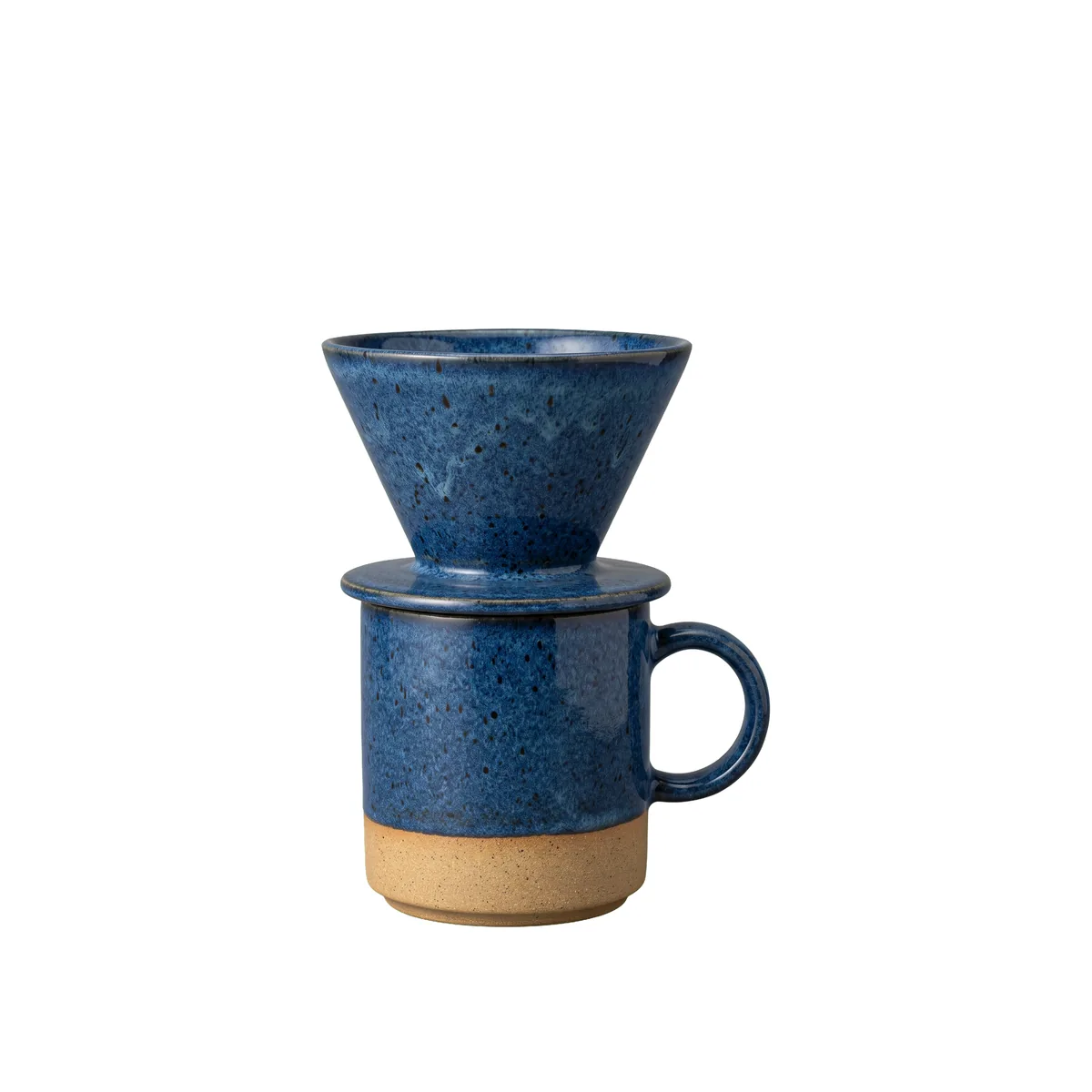
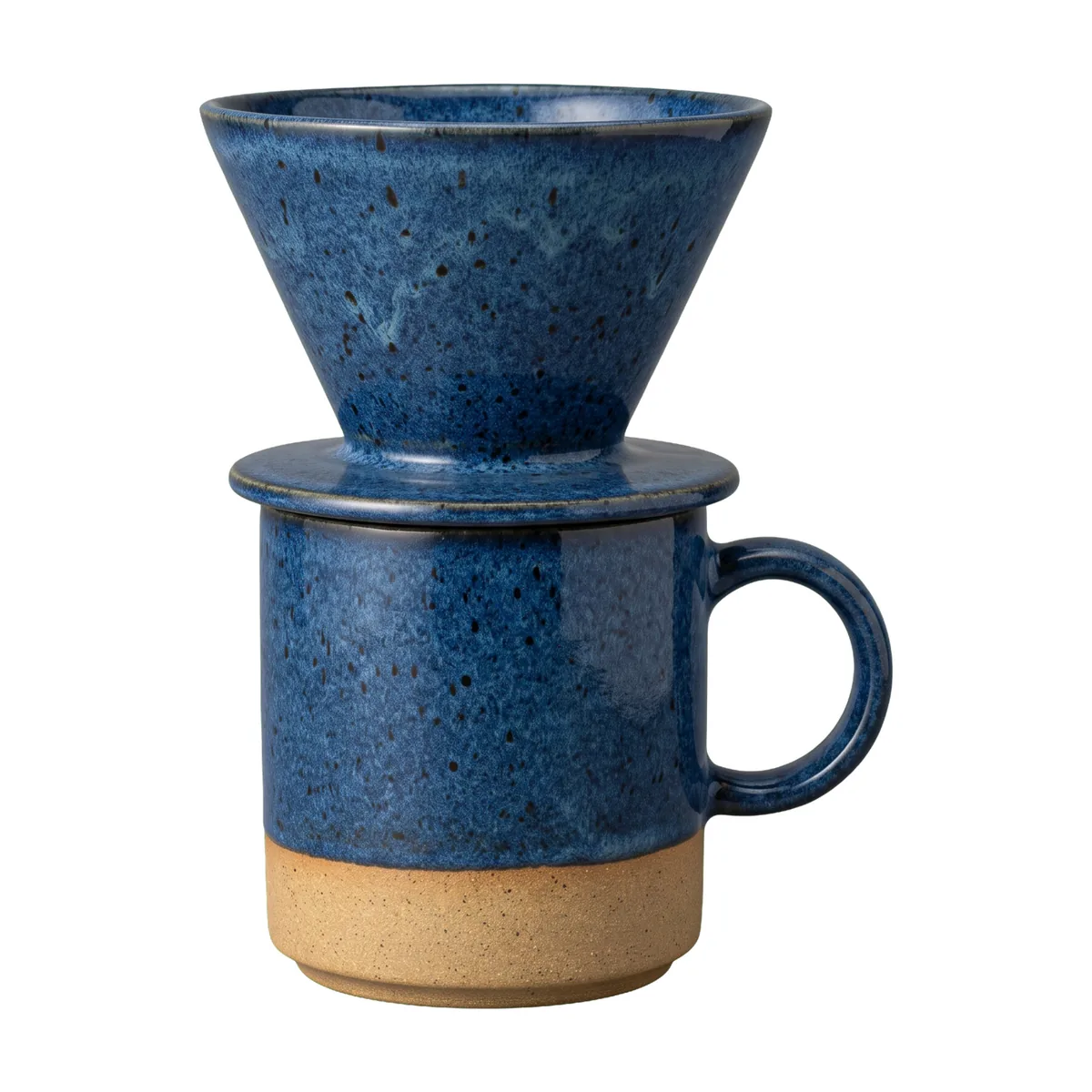
  1. Main image: the mug and dripper on pure white1Main
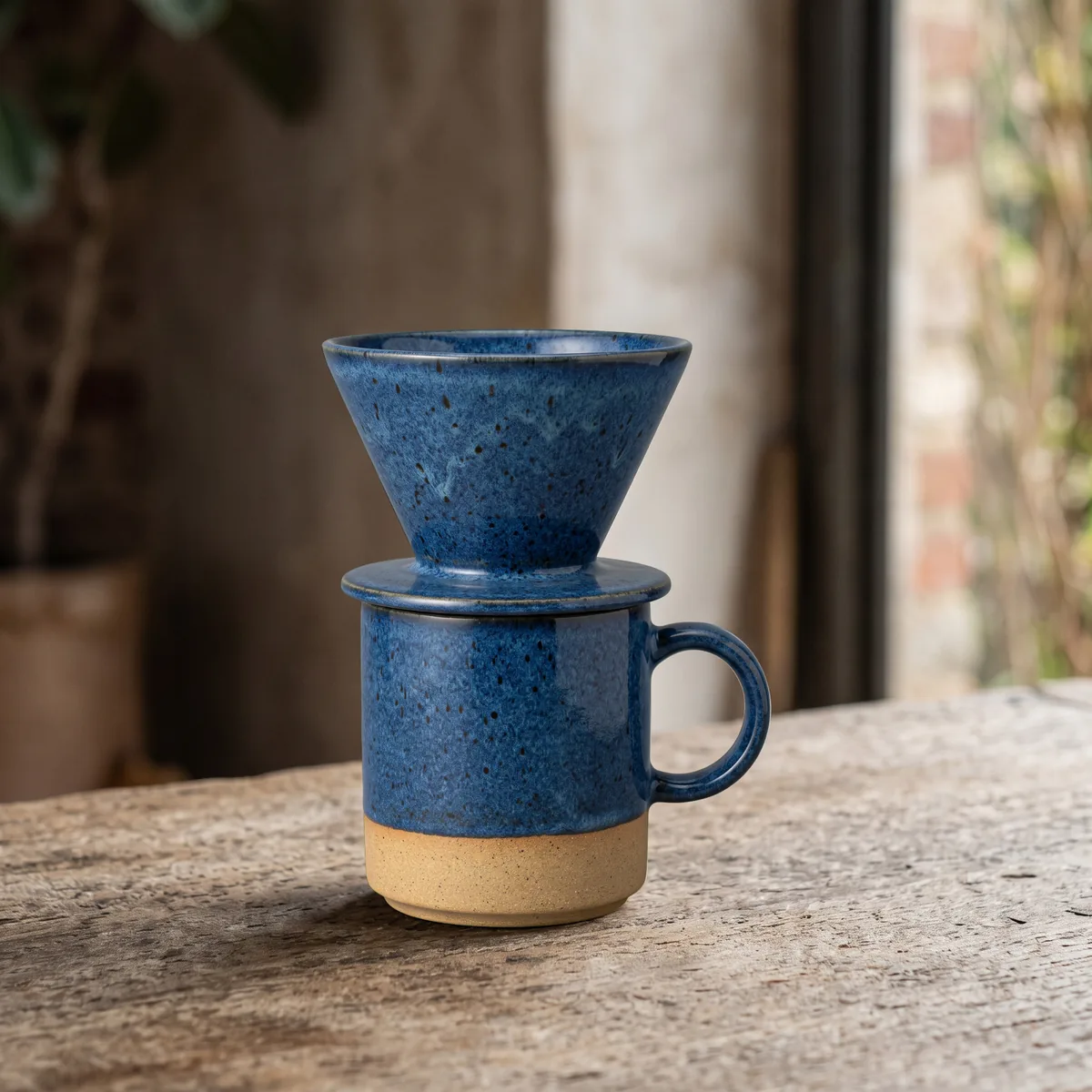
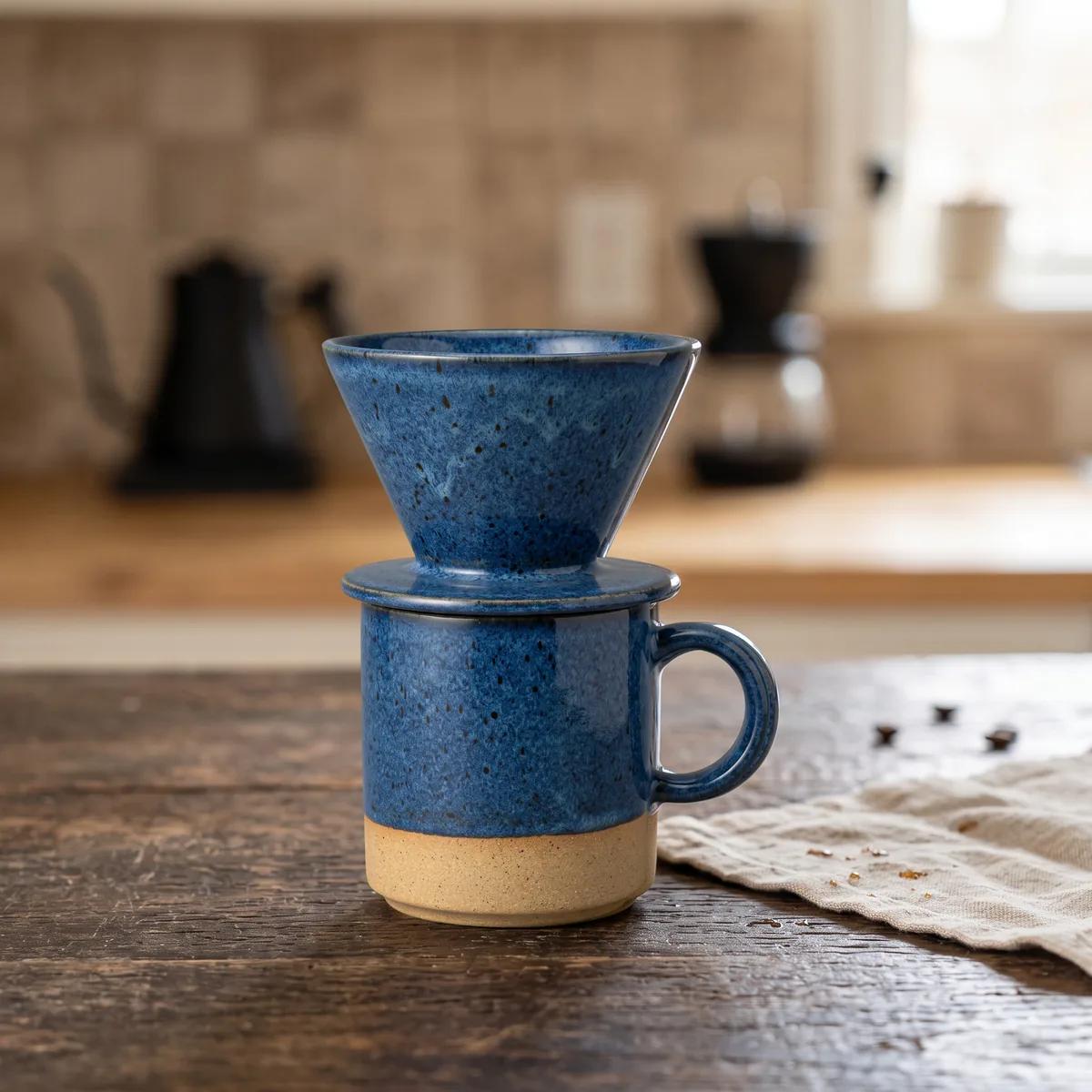
  2. The mug on a rustic wooden table in a sunny kitchen2Scene 1
  3. 3Selling point 1 *
  4. The mug on a stone counter by a soft-lit wall4Scene 2
  5. 5Selling point 2 *
  6. The mug on a worn stone counter, shelves of mugs behind6Scene 3
  7. 7Selling point 3 *

* Layouts are editable

Why listing images get stuck

  • One main-image miss can suppress it

    Background, text, cropping and fill are each checked.

    A main image with a SALE stickerSuppressed
    Amazon Seller Central
  • Every product needs a whole set

    A main image and several secondary images, each with its own size and rules.

    1 main + 6 secondary
  • Repainting changes the product

    AI that regenerates the whole picture can change the text and texture on it.

    The mug and dripper photo on plain whiteOriginalThe same mug repainted with a different glazeRepainted

Main checked. Product untouched.

Main image: the mug and dripper on pure whitePure white backgroundNo text or badgesProduct not croppedProduct fills ≥ 85%
Based on Amazon's published rules; never blocks editing.
The mug on a stone counter by a soft-lit wallThe mug and dripper photo on plain whiteBeforeAfter · AI scene

Three steps to the full set

  1. 01Upload a photo

    A transparent PNG or a product on plain white is cut out free.

  2. 02Get the set laid out

    Edit any image yourself, or ask your AI Agent.

  3. 03Download one ZIP

    Files numbered in listing order.

One listable set, not a pile

Without KebleWith Keble
The setLimitedMade one by one, sorted by handYes7 images in Amazon order
Main-image rulesMissingSuppression found after uploadYesChecked rule by rule
Your productLimitedCheck every image for driftYesPixels are your original
Your AI AgentMissingManual onlyYesCan edit the whole set

Category norms from public pages, as of Oct 2026.

Questions

What does it cost?

Making, editing and exporting are free. Each AI scene, background or decoration uses 1 request, shown before it runs; a failed step never takes your balance.

Will AI change how my product looks?

No. The product layer is your own photo; AI paints only the background, scene or decorations.

Is the rule check a guarantee?

No. Checks follow the stores' published image rules as guidance and never block your edits.

Does it upload to my store?

No. It changes nothing in your store: you download the images and upload them where you want.

Your next product, with a full image set

Connect your AI Agent
Use the Keble MCP tools to start a product image set for Amazon. 1) Call artifect_describe with kind PRODUCT_IMAGES to read the exact create fields. 2) Call artifect_create with kind PRODUCT_IMAGES: a title (e.g. "Ceramic pour-over mug"), a new replayKey, and brief.description as one plain sentence about the product (e.g. "blue speckled stoneware pour-over mug with a matching dripper, 350 ml"). Leave brief.photos empty: an API key cannot upload photos. 3) Give me the board link from the answer and tell me to add my product photo on the board in Keble. 4) Before any AI scene, background or decoration, tell me how many requests it uses and wait for my yes.